1
Manage from the watch
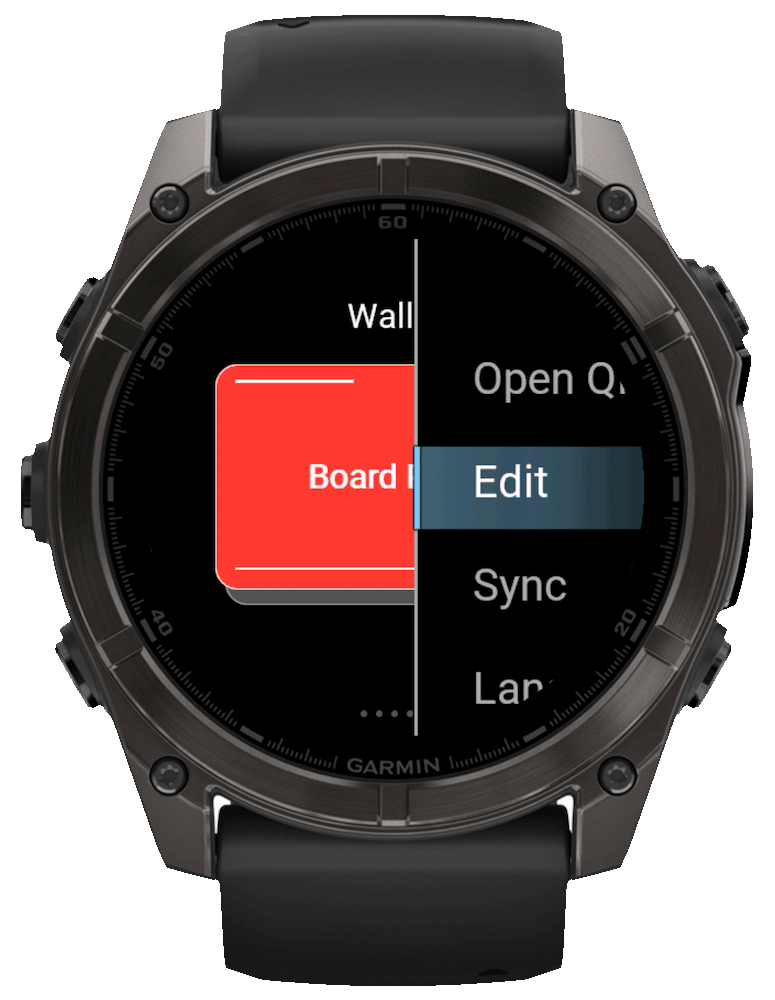
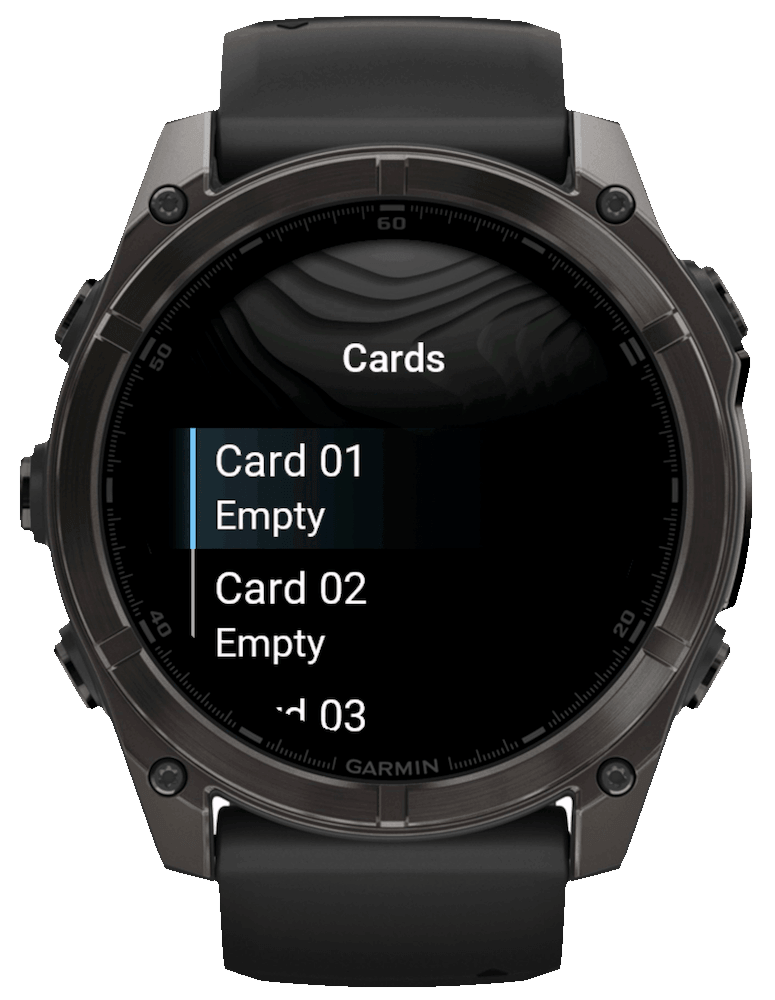
Hold UP/MENU in WalletPro, or long-touch the wallet list, and choose Add or Edit. WalletPro's card manager can add, edit, or delete cards, and card settings can also be edited in Garmin Connect IQ.
Garmin Connect IQ wallet
QR cards, barcode and discount cards, Notes, and 2FA codes for Garmin watches. Sync once and use everything offline.
Built for the watch
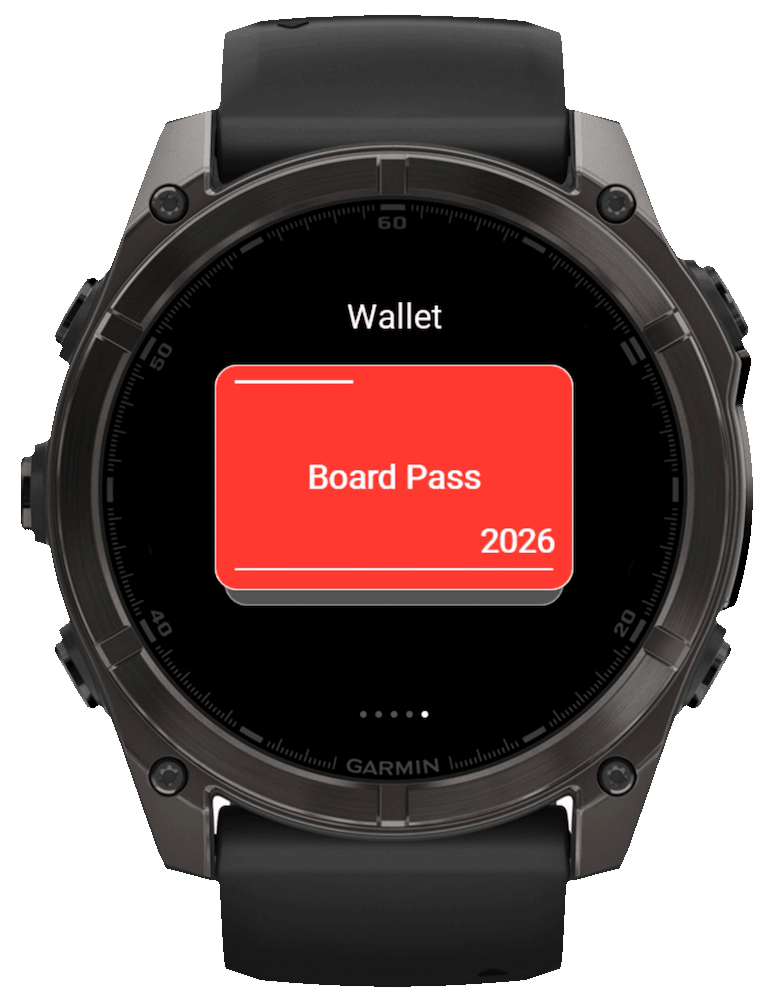
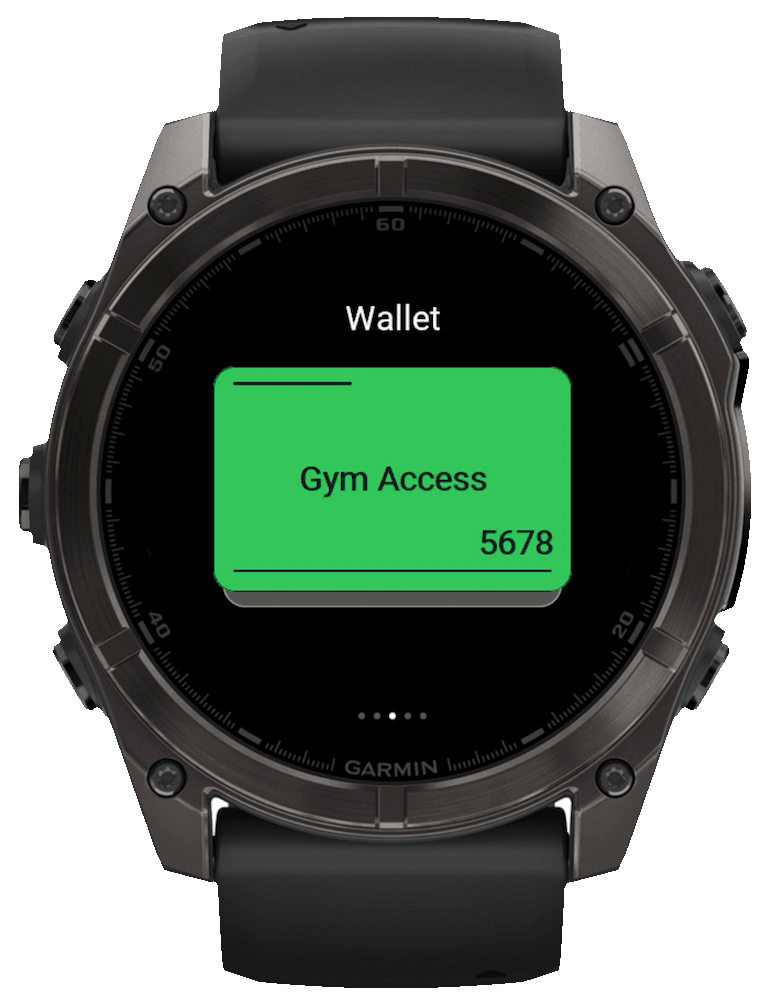
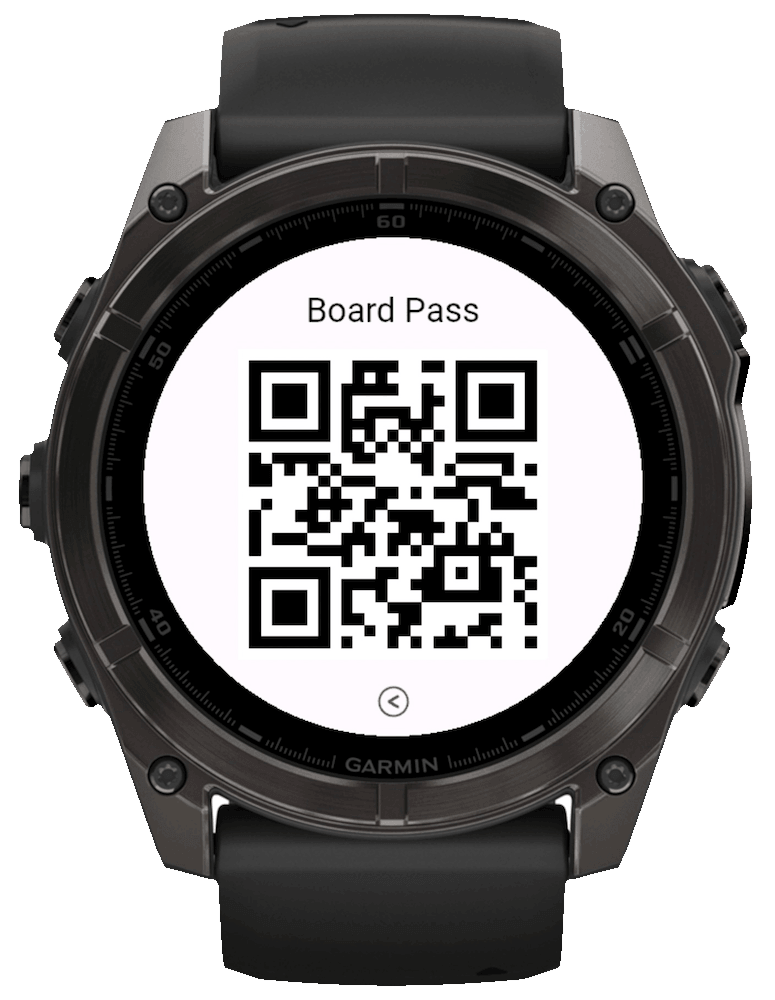
WalletPro keeps the watch experience focused: swipe through cards, use hardware buttons, and open a large QR or barcode card, a readable Note, or a 2FA view only when you need it.
Hold UP/MENU in WalletPro, or long-touch the wallet list, and choose Add or Edit. WalletPro's card manager can add, edit, or delete cards, and card settings can also be edited in Garmin Connect IQ.
Once settings are synced to the watch, cards are read from local app storage and QR, discount-card, and TOTP views are generated on the device.
Large, high-contrast code surfaces make QR and barcode cards easy to present; Notes keep short reference details readable.
Watch screens
Card use cases
Keep the codes and details you actually need on your watch: QR cards, barcode and discount cards, Code 128, Aztec, EAN-13, Code 39, UPC-A, TOTP/OTP 2FA codes, loyalty cards, gym access, tickets, boarding passes, locker numbers, door codes, contact cards, links, text codes, and coupons.
For loyalty, membership, and club cards using the established barcode format.
For ticket, travel, and access cards that print an Aztec code.
For retail product, store, and loyalty cards using the common 13-digit format.
For legacy corporate, club, and membership cards.
For North American retail and loyalty cards using the 12-digit format.
Simple card model
Each card has a title, type, value or 2FA secret, and simple color choice. Choose Notes for short reference text, or choose the barcode type printed by the original card. Codes appear only when a card is opened.
All Garmin languages
WalletPro is localized across the full Garmin Connect IQ language set. Pick your language below and use the app without switching back to English.
Watch screens
FAQ
Yes. After settings sync, WalletPro reads card data from local device app storage and generates QR, discount-card, and TOTP/OTP views on the device.
Some retailers show a dynamic QR code or barcode in their official app. It may change when opened or after a short time. WalletPro does not sign in to retailer systems or retrieve or refresh these tokens; it only displays the static data you saved. If the official code changes, use the retailer's app—a saved copy may stop working.
Before adding a card, check the retailer's official app, website or help page, or physical card. Confirm both the original code format and its decoded content. A printed number or its length may differ from the data inside the QR code or barcode. If needed, use a reader that shows both the format and decoded text. Compare the data, not the appearance of the QR image. Even a correctly generated code works only if the retailer accepts that static data.
Yes. Open WalletPro, hold UP/MENU or long-touch the wallet list, then choose Add or Edit. It opens WalletPro's on-watch card manager/editor.
WalletPro supports QR cards, barcode and discount cards, Notes, and offline TOTP/OTP 2FA codes. For barcodes, select Code 128 for loyalty, membership, and club cards; Aztec for ticket, travel, and access cards; EAN-13 for retail product, store, and loyalty cards; Code 39 for legacy corporate, club, and membership cards; or UPC-A for North American retail and loyalty cards.