How WalletPro cards work
A WalletPro card is simple: a name, a card type, a value or 2FA secret, and an optional color. The app opens the matching QR, barcode, Note, or TOTP 2FA view on the watch.
WalletPro works offline after Garmin Connect IQ settings sync. Garmin Connect IQ app settings are the main place where card data lives. When you save settings and sync your watch, WalletPro reads those cards on the device. You can also add, edit, and delete cards from the watch, and those changes use the same Garmin Connect IQ settings.
Retailer apps and changing codes
WalletPro reproduces the static data you save. It does not sign in to retailer accounts or systems and cannot retrieve or refresh dynamic QR codes, barcodes, or retailer tokens. If the official code changes when the retailer app opens or after some time, use that retailer app. A saved copy can stop working.
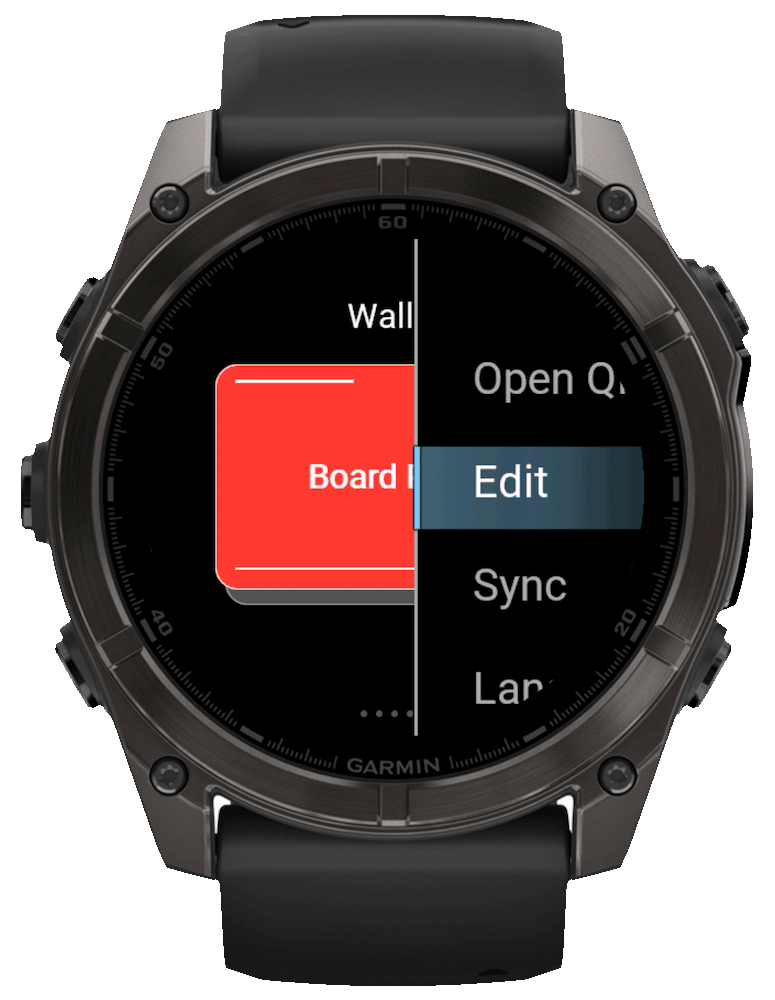
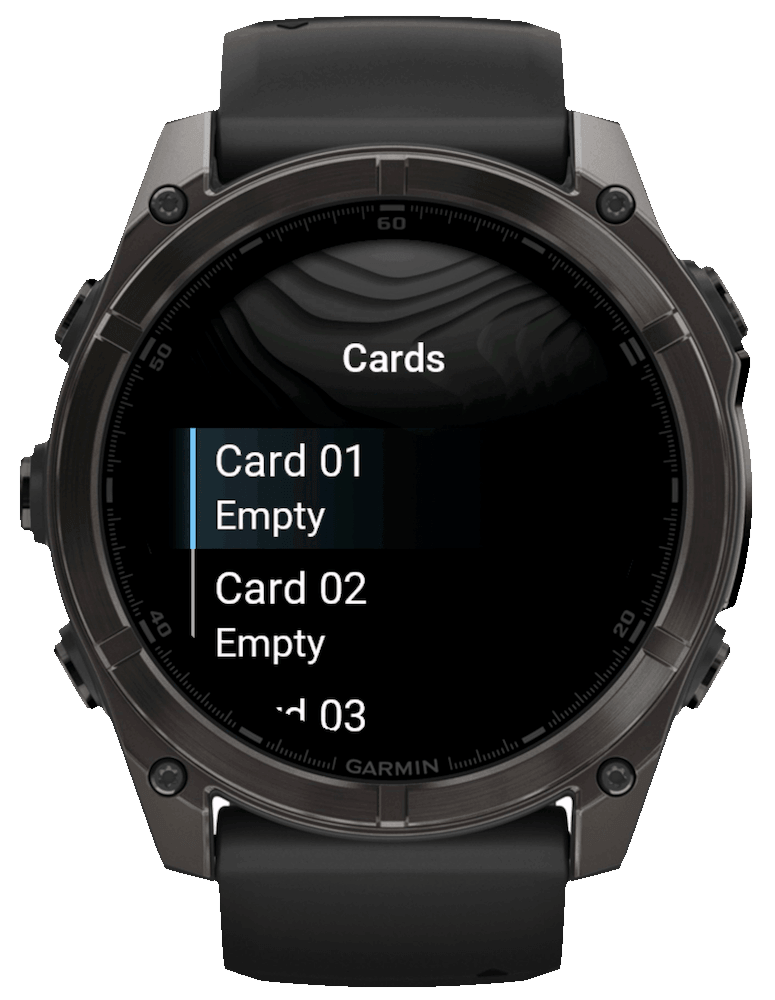
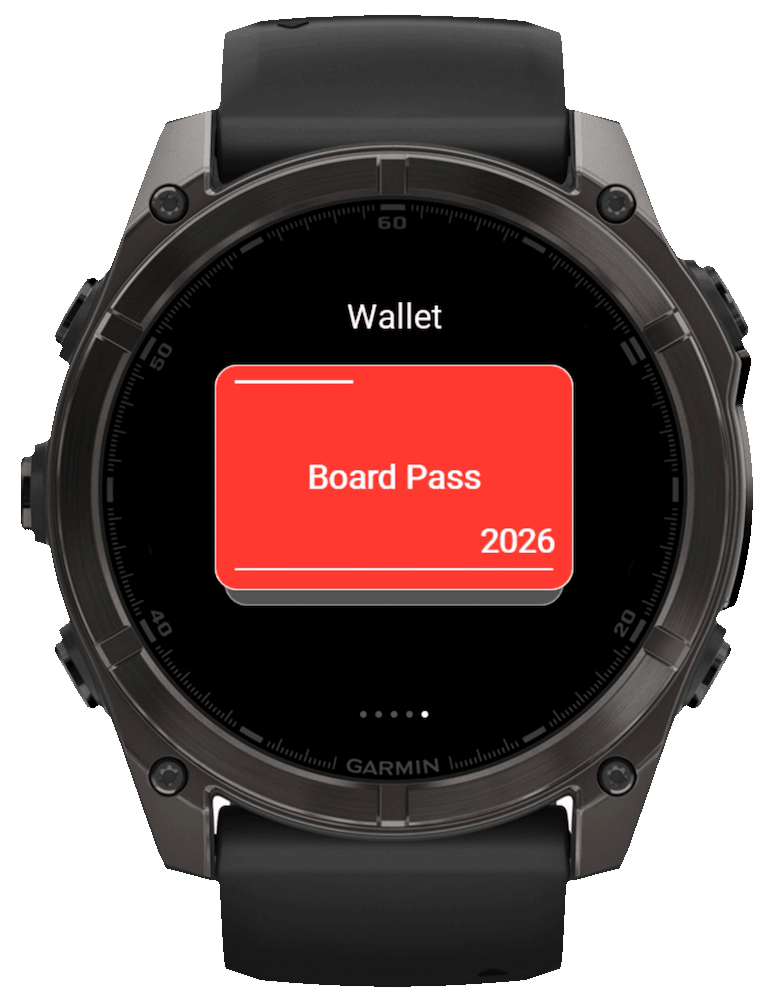
Add cards from Connect IQ Store
Pair the Garmin device, install WalletPro, then open Connect IQ Store and choose Device, My Device Apps, WalletPro, and Settings. In an empty slot, enter the card name, select the type, paste the exact Value / Secret, choose a color, and save. A slot is active only when Value / Secret is filled. Complete a device sync before checking the card on the watch.
Use Garmin Connect or Garmin Express
In Garmin Connect, open More, Garmin Devices, your device, Activities & Apps, the app category, WalletPro, and Settings. In Garmin Express, connect the device by USB, open IQ Apps, use the three-dot menu beside WalletPro, and open Settings. Menu names can vary by platform and version; save and complete a sync in either case.
Add or edit cards on the watch
Open WalletPro on the watch. Hold UP/MENU, or long-touch the wallet list if your device has touch. Choose Add when the wallet is empty, or Edit when cards already exist.
Delete old cards
Use Edit on the watch to remove a card you no longer need. You can also clear that card's Value / Secret field in Garmin Connect IQ settings, save, and sync again. Remaining cards stay available after the next reload or sync.
Sync when something looks old
If a card changed on the phone but the watch still shows the old value, save the Garmin settings, complete a device sync, and close and reopen WalletPro. Watch-side edits are stored in the same Garmin-managed app settings. With the device connected, open WalletPro Settings in Connect IQ Store or Garmin Connect to view the current values.
What to put in the value field
Enter the exact decoded value for the selected type. QR needs the text inside the original QR, not a screenshot. EAN-13 accepts 12 digits or 13 with a valid check digit; a 16-digit card number is not EAN-13. UPC-A accepts 11 digits or 12 with a valid check digit. Use Code 128, Code 39, or Aztec only when it matches the original format. For 2FA, enter the Base32 secret or complete otpauth URI from the service.
If a store code does not scan
Check both the code format and the decoded content in the retailer's official app, website or help page, or on the physical card. The printed number can differ from the data encoded in a QR code or barcode. Compare decoded data, not the image pattern: two QR images can look different and still contain the same value. A correct static code still works only if the retailer accepts it.
After setup
Open WalletPro on the watch, select a card, and the QR, barcode, Note, or TOTP/OTP 2FA view opens locally on the device. Once the cards have synced, they remain usable without a phone connection.